
YOUR VIRTUAL FITTING ROOM
Try it on without taking anything off.
Upload a photo of yourself, pick clothes from your wardrobe or any store, and see how they look on you in seconds — powered by AI.
Try it on the web

How it works
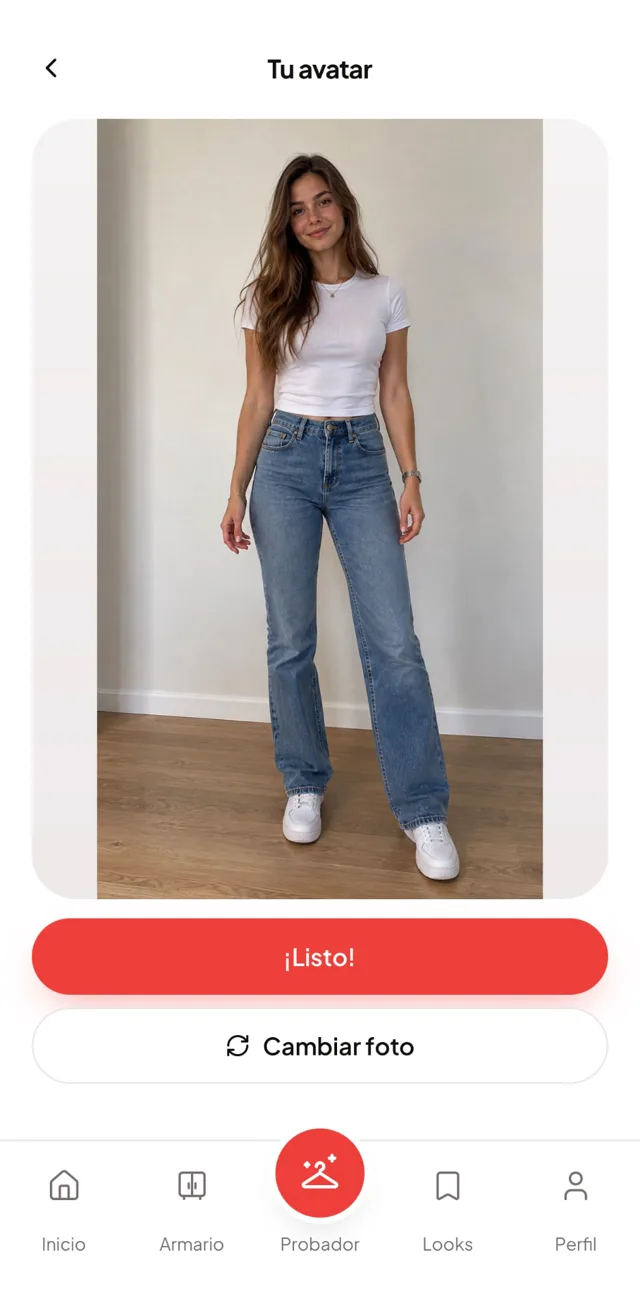 01
01Take a photo
Full body, facing the camera.
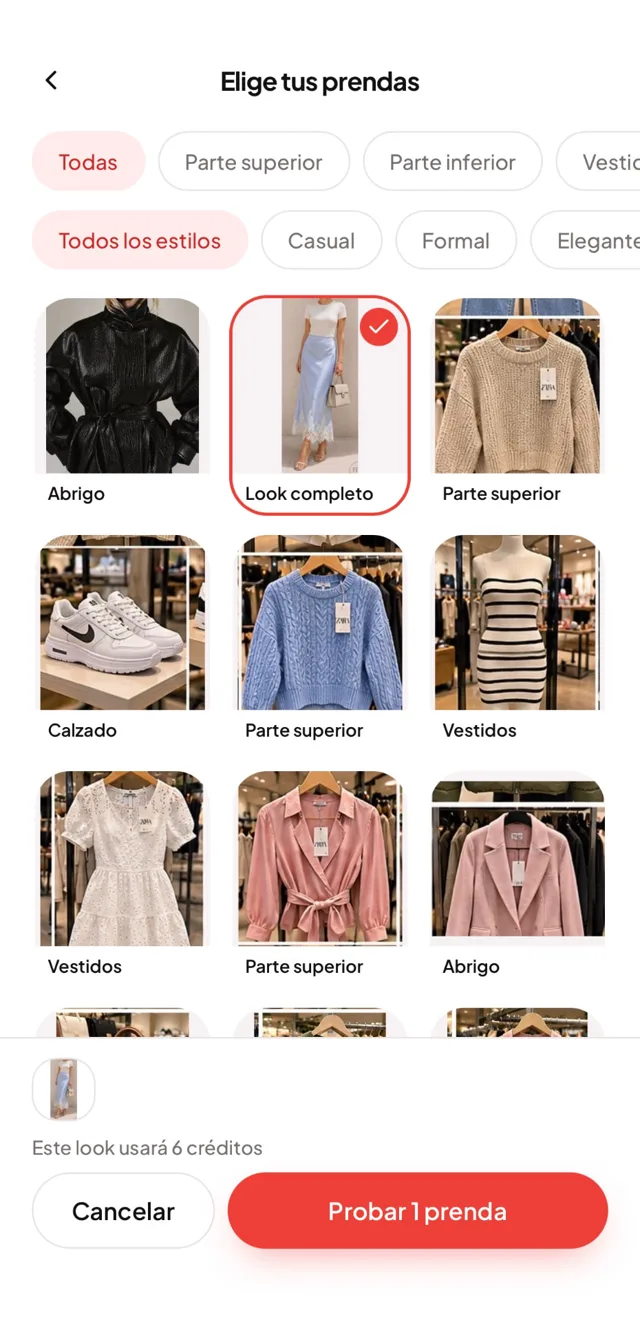 02
02Choose what to try
Pieces from your wardrobe, full outfits or clothes from any store.
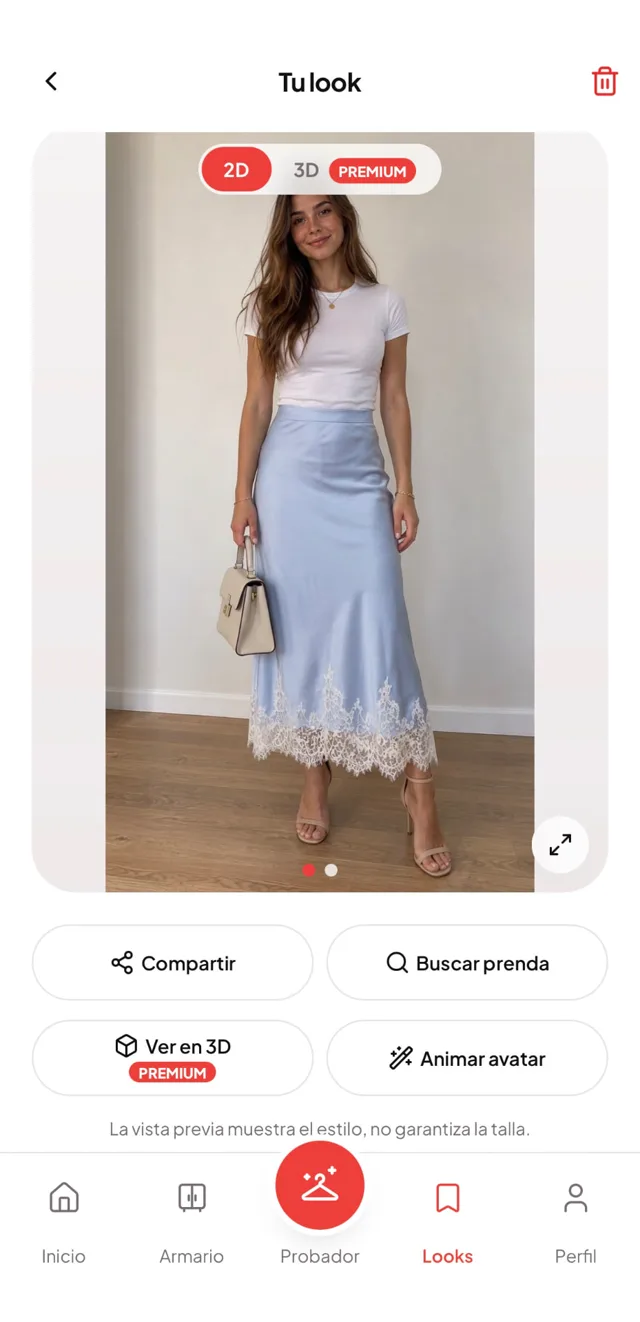 03
03See yourself in the look
In seconds. Save it or share it.
What you can do with Ponmelo
Virtual fitting room
Try on single pieces or complete outfits.
What should I wear?
AI suggests outfits using your own clothes.
Your digital wardrobe
Keep all your clothes in one place.
Your AI stylist
Personal tips on what goes with what.
Bring your look to life
A video of you turning around in the outfit.
Clothes from any store
Try them on from a screenshot or a link.
Find where to buy it
Track down the piece across different stores.
Nail every gift
Share your avatar and your sizes.
FOR ONLINE STORES
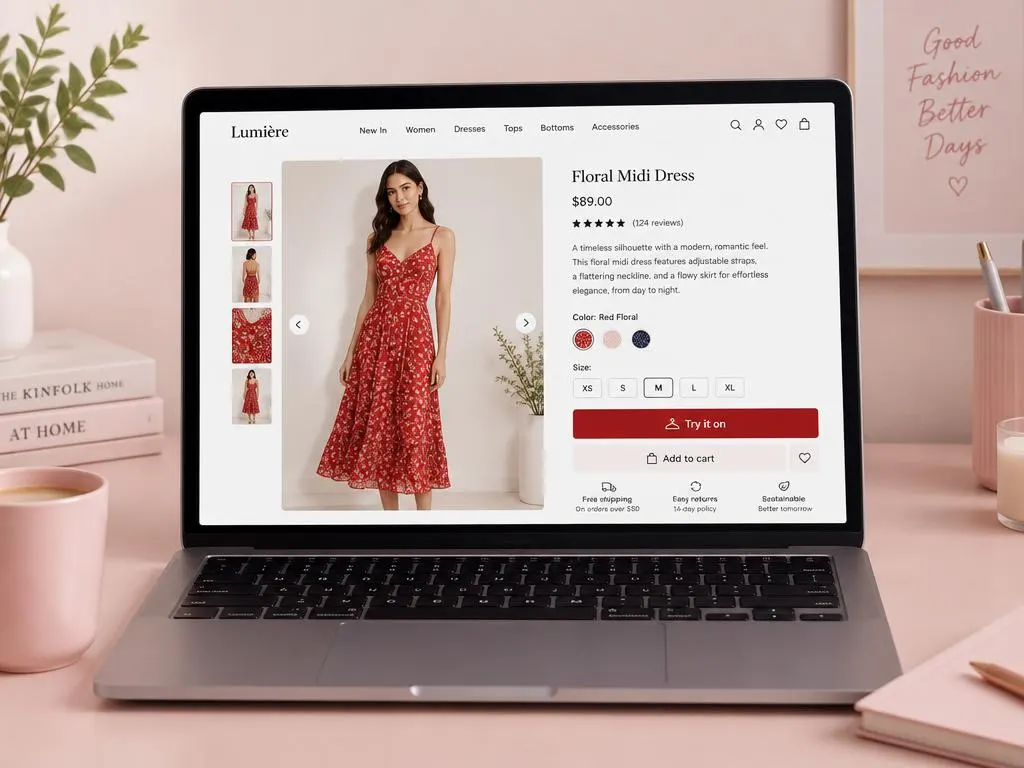
Sell more and cut returns with a virtual fitting room.
Add the Try it on button to your online store: your customers upload a photo and see your clothes on themselves before buying.
More sales
Your customers buy with more confidence.
Fewer returns
They know how it fits before ordering.
Set up in 2 minutes
With a single line of code.
Works with any store
Shopify, WooCommerce, PrestaShop, Wix…
Insights
See which pieces get tried on the most.
Privacy first
Customer photos are deleted after 24 hours.
Get started in three steps
- 1
Sign up
Create your store account.
- 2
Paste the code
One line on your site, done.
- 3
Customers try it on
They start trying your clothes right away.
Frequently asked questions
Is it free?
You can start for free; there are plans with more try-ons and features.
What happens to my photos?
They're only used to create your looks, and you can delete them whenever you like.
Does it guarantee the size?
It gives you an idea of the garment's style; it doesn't guarantee the exact size.
Which devices does it work on?
iPhone, Android and the web.
Does it work with any store?
You can try on clothes from almost any store with a screenshot or a link.
I'm a store — how do I install it?
With a single line of code, on any platform.
Coming soon to the App Store and Google Play
Leave your email and we'll let you know the day it launches.